segment · rmm
RMM software
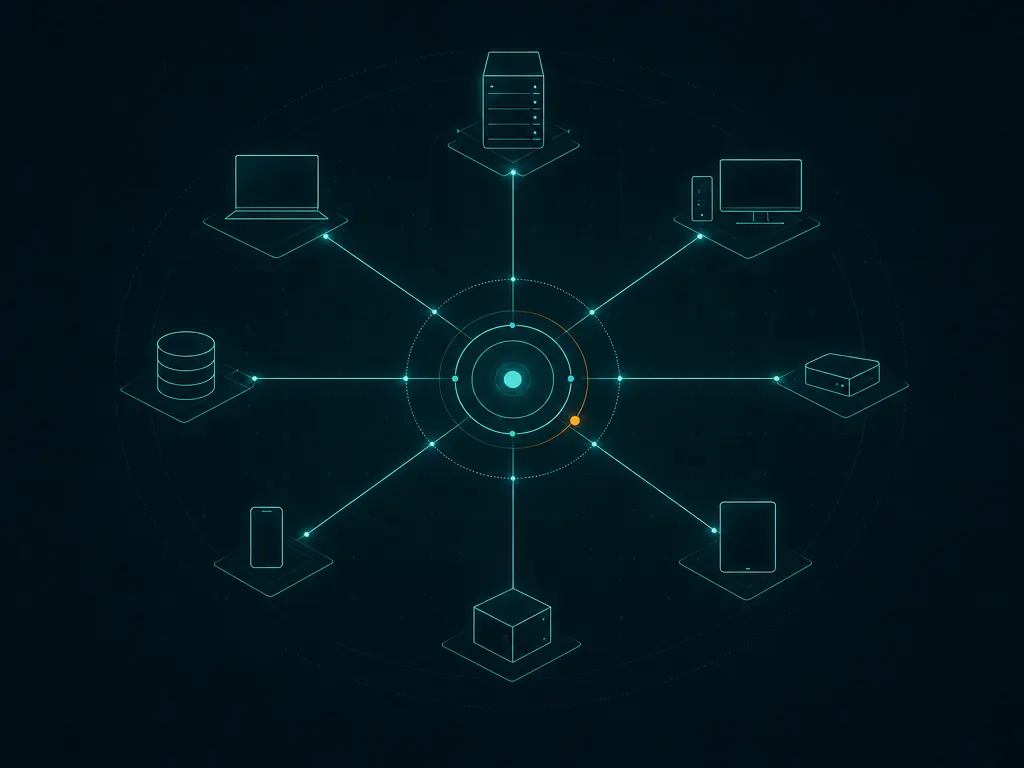
RMM (remote monitoring and management) software lets IT teams and managed service providers monitor, patch, automate and support endpoints from a single console. This page compares RMM platforms by feature set, pricing model and target user, with a link to each vendor’s official site. Nothing is hosted here.
the shortlist
5 RMM tools compared
Ordering is by category relevance, not by any commercial arrangement — see our methodology. 0 of 5 are open-source.
| Tool | Vendor | License | Best for | |
|---|---|---|---|---|
| Atera | Atera | Commercial | All-in-one RMM and PSA platform with per-technician pricing. | Details → |
| NinjaOne | NinjaOne | Commercial | Unified RMM and endpoint management platform for IT and MSPs. | Details → |
| Lansweeper | Lansweeper | Commercial | IT asset discovery and inventory across networks, devices and software. | Details → |
| Syncro | Syncro | Commercial | Combined RMM and PSA platform for MSPs with per-technician pricing. | Details → |
| Action1 | Action1 | Commercial | Cloud-native patch management and remote monitoring with a free tier for small fleets. | Details → |
buyer's checklist
What to look for
- RMM vs RMM+PSA
- Pure RMM focuses on monitoring and management; combined RMM+PSA platforms add ticketing, billing and client management for MSPs.
- Patch management
- Automated OS and third-party patching is a core reason teams adopt RMM — check coverage and scheduling.
- Remote access
- Built-in remote control for unattended support saves juggling a separate tool. Check session logging and security.
- Automation & scripting
- Scripts, policies and scheduled tasks let one technician manage many endpoints. Look at the automation library.
- Pricing model
- Per-technician pricing favours teams with many devices per admin; per-device pricing favours small fleets. Model your own numbers.
free & open-source
Free-tier RMM tools
Most RMM platforms are commercial subscriptions, but several offer a free tier or trial for small fleets — Action1, for example, provides a free tier for a limited number of endpoints. Check each tool for current limits.
FAQ
Common questions
What is RMM software?
RMM (remote monitoring and management) software is used by IT departments and MSPs to remotely monitor endpoints, apply patches, run scripts and provide support across many devices from one central console.
What is the difference between RMM and network monitoring?
Network monitoring focuses on the availability and performance of infrastructure and raises alerts. RMM is broader: alongside monitoring it adds remote control, patching, automation and (in MSP-oriented tools) ticketing and billing to actively manage endpoints.
Is there free RMM software?
Fully free, unlimited RMM is rare, but several vendors offer a free tier or extended trial for a small number of endpoints. Action1 is one example of a free tier for small fleets; confirm current limits on the vendor site.
What is the difference between RMM and PSA?
RMM handles the technical side — monitoring, patching, remote access and automation. PSA (professional services automation) handles the business side — ticketing, time tracking, billing and client management. Some platforms bundle both.